SQL Server Interview Questions: Reading an Execution Plan Under Pressure
CareerCTO14 min read
Most SQL Server interviews come down to one moment - a slow query lands on the screen and you have to reason about it out loud. This guide walks through reading an execution plan step by step, and how indexes, joins, statistics and isolation levels all feed into that one skill.
Most SQL Server interviews have a moment like this. The interviewer pastes a slow query, opens the execution plan, and goes quiet. You are expected to talk through what you see, not recite definitions.
Panels do not usually score you on remembering the syntax for a windowing function. They score you on whether you can look at a plan, point at the expensive operator, and explain why it is expensive. Everything else - indexes, joins, statistics, isolation levels - is background knowledge that feeds into that one moment.
This guide is built around that spine. Each section adds one more piece you need to read a plan competently, in the order an interviewer is likely to build up the conversation. If you are also preparing for adjacent rounds, our C# interview questions for experienced developers and ASP.NET Core interview questions cover the layers that usually sit on top of this database work.
Why "read the plan out loud" is the real test
An execution plan is SQL Server's explanation of how it will run your query - which tables it touches first, which indexes it uses, and how it joins rows together. You can see it before running the query (estimated plan) or after (actual plan, with real row counts).
Interviewers use it because it exposes bluffing fast. Someone who has memorized "add an index" cannot improvise when the actual plan shows the index is there but unused. Someone who has actually debugged slow queries can look at the same plan and start asking the right questions.
The skill has three layers, and interviews tend to test them in order:
- Can you name what an operator does (scan, seek, lookup, join type).
- Can you say which operator is expensive and why, using cost percentages and row counts.
- Can you propose a fix and explain the trade-off it creates.
Most candidates get stuck at layer one. Getting comfortable at layer three is what separates a mid-level answer from a senior one.
Scan versus seek: the first thing to name
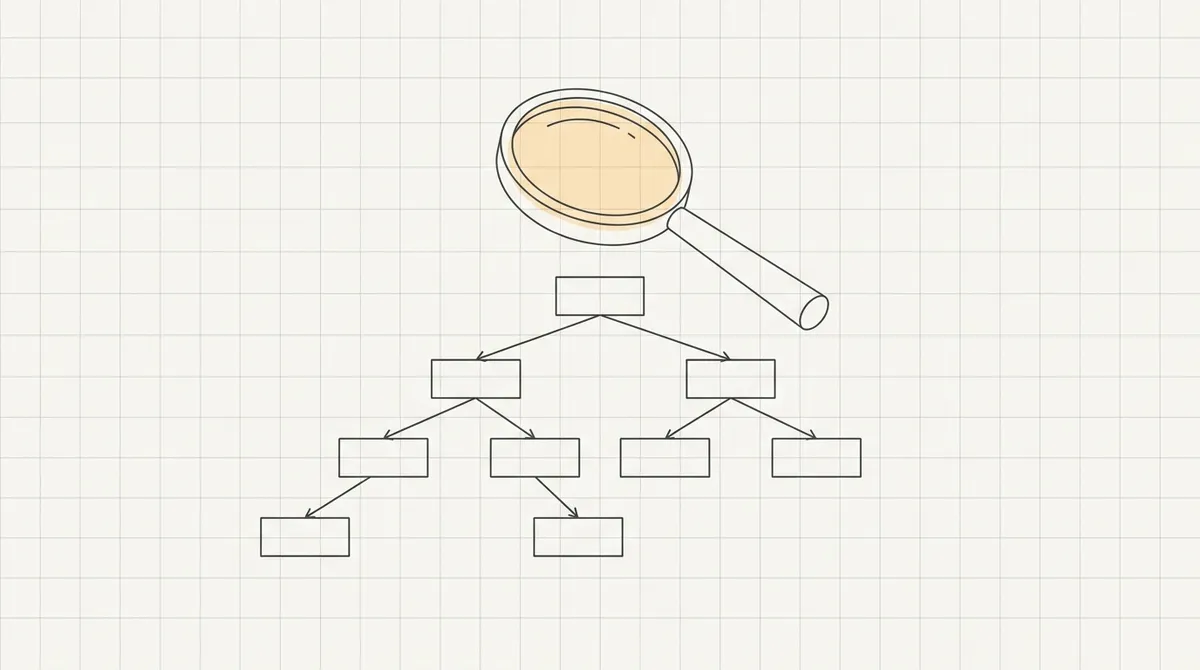
A table scan or index scan reads every row in the table or index. A seek uses the index's sorted structure to jump straight to matching rows. Scans are not automatically bad - on a small table, or when a query needs most of the rows anyway, a scan can be cheaper than a seek.
The interview question that trips people up: "Is a scan always a problem?" The honest answer is no. A scan against a 2,000-row lookup table is fine. A scan against a 20-million-row transaction table, on a query that only needs 50 rows, is the smell you are looking for.
What you should be able to say, concretely, when you see a scan:
- What is the table's row count, roughly, from the plan's actual rows.
- Does the
WHEREclause have a column that could be indexed and is not. - Is the predicate sargable - written so SQL Server can use an index on it directly, instead of computing something on every row first.
A predicate like WHERE YEAR(OrderDate) = 2024 is not sargable, because
SQL Server has to evaluate YEAR() on every row before it can compare.
Rewriting it as WHERE OrderDate >= '2024-01-01' AND OrderDate < '2025-01-01'
lets an index on OrderDate be used directly. This single rewrite is one of
the most common "show me you understand indexes" questions.
Indexes: what they are and what they are not
A clustered index determines the physical order rows are stored in on disk. A table has at most one. A nonclustered index is a separate, smaller structure that points back to the clustered index (or the heap, if there is no clustered index).
| Index type | Stores | Typical use |
|---|---|---|
| Clustered | The actual table rows, in key order | Primary key, range queries |
| Nonclustered | Key columns plus a pointer back to the row | Filtering, sorting on other columns |
Covering (nonclustered with INCLUDE) |
Key columns plus extra included columns | Avoids a lookup back to the table |
The follow-up question that separates candidates: "What happens when a nonclustered index does not have every column the query needs?" The answer is a key lookup (sometimes shown as RID lookup on a heap) - SQL Server finds the row via the index, then goes back to the clustered index to fetch the remaining columns.
On a query returning many rows, thousands of tiny lookups can cost more than the original scan would have.
The fix is a covering index - adding the missing columns to the index's
INCLUDE list so the lookup is never needed. Interviewers like this question
because it tests two things at once: do you understand what an index stores,
and do you understand that adding more indexes is not free.
Every index speeds up reads on the columns it covers and slows down every insert, update and delete that touches those columns. If you are building your understanding of the wider stack around this, the dotnet full-stack developer roadmap covers where database tuning fits against the rest of the job.
Joins: nested loops, hash match, merge join
SQL Server picks one of three physical join operators, and the choice tells you a lot about the data:
- Nested loops: for each row on one side, scan or seek the other side. Cheap when one side is small.
- Hash match: build an in-memory hash table from one side, probe it with the other. Used when both sides are large and unsorted.
- Merge join: walk both sides in sorted order at the same time. Used when both inputs are already sorted on the join key, usually because an index provides that order.
A common interview prompt: "The plan shows a hash match joining two tables that both have indexes on the join column. Why didn't SQL Server use a merge join?" A reasonable answer covers a few possibilities: the indexes are not sorted on the same key order, or one side needed a sort operator that made a hash cheaper overall.
Another possibility: the optimizer's cost estimate simply favored a hash match given the row counts it expected.
That last phrase - "given the row counts it expected" - is the bridge to the next topic, and it is usually where an interviewer pushes next.
Statistics: why the optimizer's row-count guess matters
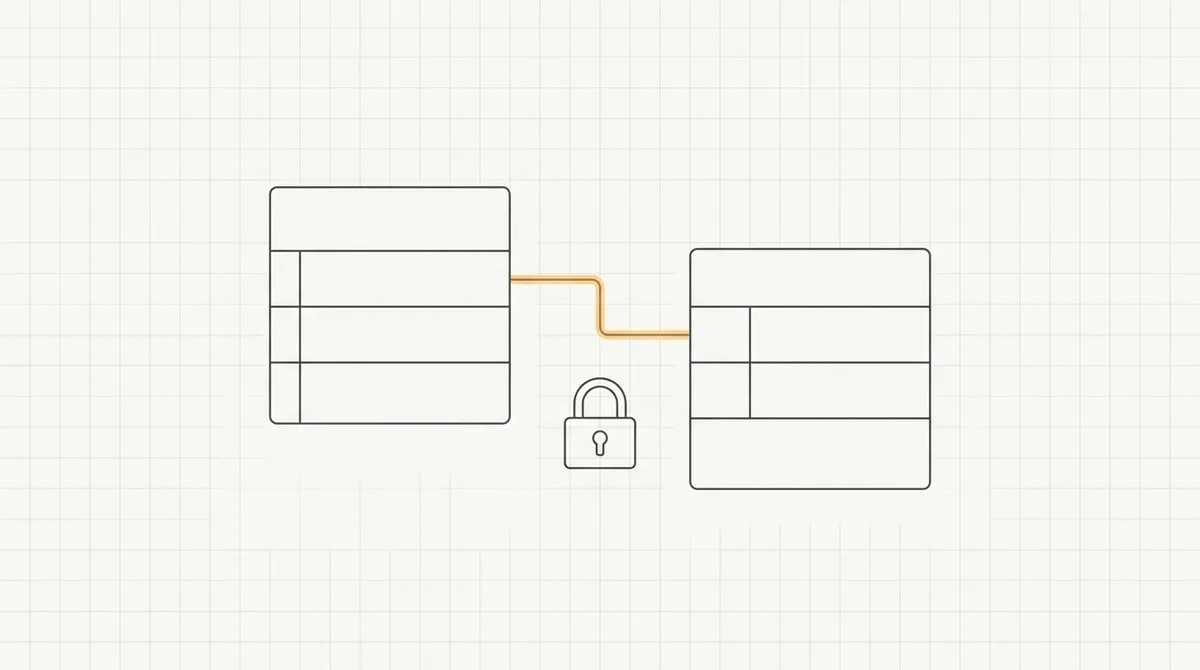
SQL Server does not know how many rows a query will return before running it. It estimates, using statistics - a summary of the distribution of values in a column, stored separately from the data itself.
When statistics are stale (because a lot of rows changed since they were last updated) or the estimate is simply wrong for a skewed distribution, the optimizer can pick a join type or memory grant that is wrong for the actual data.
This shows up in an actual execution plan as a gap between estimated rows and actual rows on an operator - sometimes by a factor of 100 or more on a badly estimated query.
How to talk about this in an interview:
- Point to the operator where estimated and actual rows diverge most.
- Explain that a bad estimate upstream compounds: a join that expects 10 rows but gets 10,000 will pick nested loops when a hash match would have been cheaper.
- Name the fix:
UPDATE STATISTICS, or checking whether auto-update statistics is enabled and firing often enough for a fast-changing table.
You do not need to recite the sampling algorithm SQL Server uses internally. You need to show you know statistics exist, that they drive every decision in the plan, and that stale statistics are a common, boring, real-world cause of a query that "used to be fast."
Reading cost percentages without being misled
Every operator in a plan shows an estimated cost as a percentage of the total query. New candidates treat this number as gospel. It is a useful pointer, not a verdict, for two reasons.
First, it is based on the optimizer's own estimates, which can be wrong for the same statistics reasons above. Second, cost percentage does not always match actual elapsed time - an operator with a small cost percentage can still be the slowest part of the query if it is waiting on locks or disk.
A stronger answer than "the biggest percentage is the problem" is: "I would
look at the highest-cost operator first, then check its actual row count
against its estimate, and cross-check with SET STATISTICS TIME ON and
SET STATISTICS IO ON to see real duration and real page reads, because the
plan's percentages are estimates, not measurements."
SET STATISTICS IO ON;
SET STATISTICS TIME ON;

SELECT o.OrderId, o.OrderDate, c.CustomerName
FROM Orders o
JOIN Customers c ON c.CustomerId = o.CustomerId
WHERE o.OrderDate >= '2024-01-01' AND o.OrderDate < '2025-01-01';
STATISTICS IO reports logical reads per table, which tells you how much
data actually had to be touched. A query that reads far more pages than its
row count would suggest is usually missing an index or hitting a scan it
should not be.
Parameter sniffing: when a cached plan stops fitting the data
SQL Server caches a query plan the first time a parameterized query runs, and reuses that same plan for later calls with different parameter values. This is usually a good thing - compiling a plan is not free, and reuse saves work.
Parameter sniffing is what happens when the first call has an unusual parameter value, the optimizer builds a plan shaped around that value, and every later call with a typical value gets the wrong plan. A stored procedure that runs in milliseconds for most customers and takes ten seconds for one specific customer ID is the classic symptom.
This is a favorite interview question because the fix depends on diagnosis,
not memorization. A candidate who jumps straight to OPTION (RECOMPILE)
without explaining the trade-off - recompiling on every execution costs CPU -
sounds like they read a blog post rather than debugged the problem. A
stronger answer walks through the options in order:
OPTION (RECOMPILE)if the query runs rarely enough that recompiling every time is cheap relative to running with a bad plan.OPTION (OPTIMIZE FOR UNKNOWN)if you want the optimizer to use average statistics instead of sniffing the actual parameter, trading precision for consistency.- Splitting the procedure into variants for genuinely different data shapes, if the underlying data really does need two different plans.
The interview signal here is the same one from earlier sections: naming the mechanism and its cost, not just the keyword.
Isolation levels: the question that separates concurrency understanding
Interviewers often pivot from plans to concurrency, because both come from the same instinct: understanding what SQL Server is actually doing, not just what the syntax looks like. The isolation level controls what a transaction is allowed to see while other transactions are running.
| Isolation level | Dirty reads | Typical trade-off |
|---|---|---|
| Read Uncommitted | Allowed | Fastest, can read uncommitted (wrong) data |
| Read Committed (default) | Blocked | Standard behavior for most OLTP workloads |
| Repeatable Read | Blocked | Holds read locks longer, more blocking |
| Serializable | Blocked | Strongest guarantee, most blocking |
| Read Committed Snapshot / Snapshot | Blocked | Uses row versioning instead of locks |
The question worth preparing for: "Why would you turn on Read Committed Snapshot Isolation?" The honest answer is that it reduces reader-writer blocking by giving readers a versioned copy of the row instead of making them wait for a lock.
The cost is extra work in tempdb and the possibility of update conflicts under snapshot isolation specifically. This is a genuine trade-off, not a free performance switch, and saying that out loud is usually what an interviewer is listening for.
Deadlocks: the other concurrency question
Once isolation levels come up, a deadlock question usually follows. A deadlock happens when two transactions each hold a lock the other one needs, and neither can proceed. SQL Server detects this automatically and kills one transaction (the "deadlock victim") to let the other continue.
The interview question is rarely "what is a deadlock" - it is "how would you find out why one happened." The honest answer involves the deadlock graph, either captured through Extended Events or the system health session, which shows exactly which two queries, which resources, and which lock modes were involved.
A useful pattern to mention: many deadlocks come from two queries touching
the same tables in a different order. If procedure A updates Orders then
Customers, and procedure B updates Customers then Orders, running them
concurrently is a deadlock waiting to happen. The fix is usually consistent
access order across the codebase, not a magic isolation level setting.
A worked example: walking through one plan end to end
Put the pieces together the way an interview actually runs. Say the query is a report joining orders to customers, filtered by date, and it used to run in under a second but now takes several seconds.
A structured answer sounds like this:
- Open the actual plan and find the operator with the highest cost
percentage - say it is a clustered index scan on
Orders. - Check whether the
WHEREclause onOrderDateis sargable, and whether an index onOrderDateexists at all. - Compare estimated versus actual row counts on that scan. A large gap points at stale statistics rather than a missing index.
- Look at the join operator. If it is a hash match where a merge join would make sense, check whether both sides are sorted on the join key.
- Propose one change at a time - update statistics first, since it is cheap and reversible, then consider a new or adjusted index - and say you would re-run the plan after each change rather than guessing at all of them at once.
That last step matters. Interviewers notice candidates who propose five changes at once versus candidates who change one thing, measure, and decide whether to continue.
Questions to expect and how to structure your answer
- "What is the difference between a clustered and nonclustered index?" Answer with what each stores, not just a definition.
- "When would a table scan be the right choice?" Answer with a concrete scenario, such as a small table or a query needing most of its rows.
- "What is a key lookup and when does it become a problem?" Answer with the covering-index fix and its write-side cost.
- "How would you find out if statistics are stale?" Answer by naming
sys.dm_db_stats_propertiesor simply comparing estimated to actual rows in a plan. - "What isolation level would you pick for a reporting query that must not block writers?" Answer with Read Committed Snapshot Isolation and its tempdb trade-off, not just the name.
Notice the pattern: every strong answer names a mechanism and a trade-off. Every weak answer stops at the vocabulary word.

Where this fits with the rest of the interview loop
A SQL Server round rarely stands alone. On most .NET teams it sits alongside questions on the application layer, and interviewers often move straight from a query plan into how that query gets called from code - connection handling, async patterns, or how a repository layer builds the SQL in the first place.
Our C# interview questions for experienced developers guide covers the layer just above this one, and the Angular interview questions guide is useful if the role also touches the front end that eventually renders this data.
If you are early in your career and the SQL round feels like the hardest part of every interview, that is normal - it is one of the few topics where you cannot fake experience, because the interviewer is watching you reason in real time rather than checking a memorized answer.
Practicing this without a live interviewer
You do not need a mock interview to build this skill. Take a query you actually run at work or on a side project, turn on the actual execution plan, and narrate it to yourself the way you would to an interviewer - out loud, not in your head. Saying it forces you to notice the gaps in your own reasoning before someone else does.
Do this with three or four different queries - one with a missing index, one with a bad join, one with stale statistics if you can force it - and you will have real examples to draw on instead of memorized theory.
Real examples are also what a reviewed job listing on CareerCTO expects to hear when a hiring manager asks you to walk through past work, rather than recite definitions.
What to do next
Pick one slow query you have access to right now, open its actual execution plan, and write down, in your own words, what the most expensive operator is doing and why. If you can also explain what you would change and what that change would cost you, you already have a stronger answer than most candidates give in the room.
When you are ready to put this in front of real hiring managers, browsing reviewed job openings on CareerCTO shows you the kind of roles that ask these questions, and a verified profile lets you lead with proof of your training background instead of asking an interviewer to take your word for it.
Companies posting roles that need this kind of database depth can post a reviewed job or browse verified developer profiles directly - and if you want to understand exactly what a CareerCTO badge does and does not claim, our about page spells it out plainly.